Best Standing Desks for Small Home Offices
A compact desk should support your posture, equipment and floor plan in both positions.
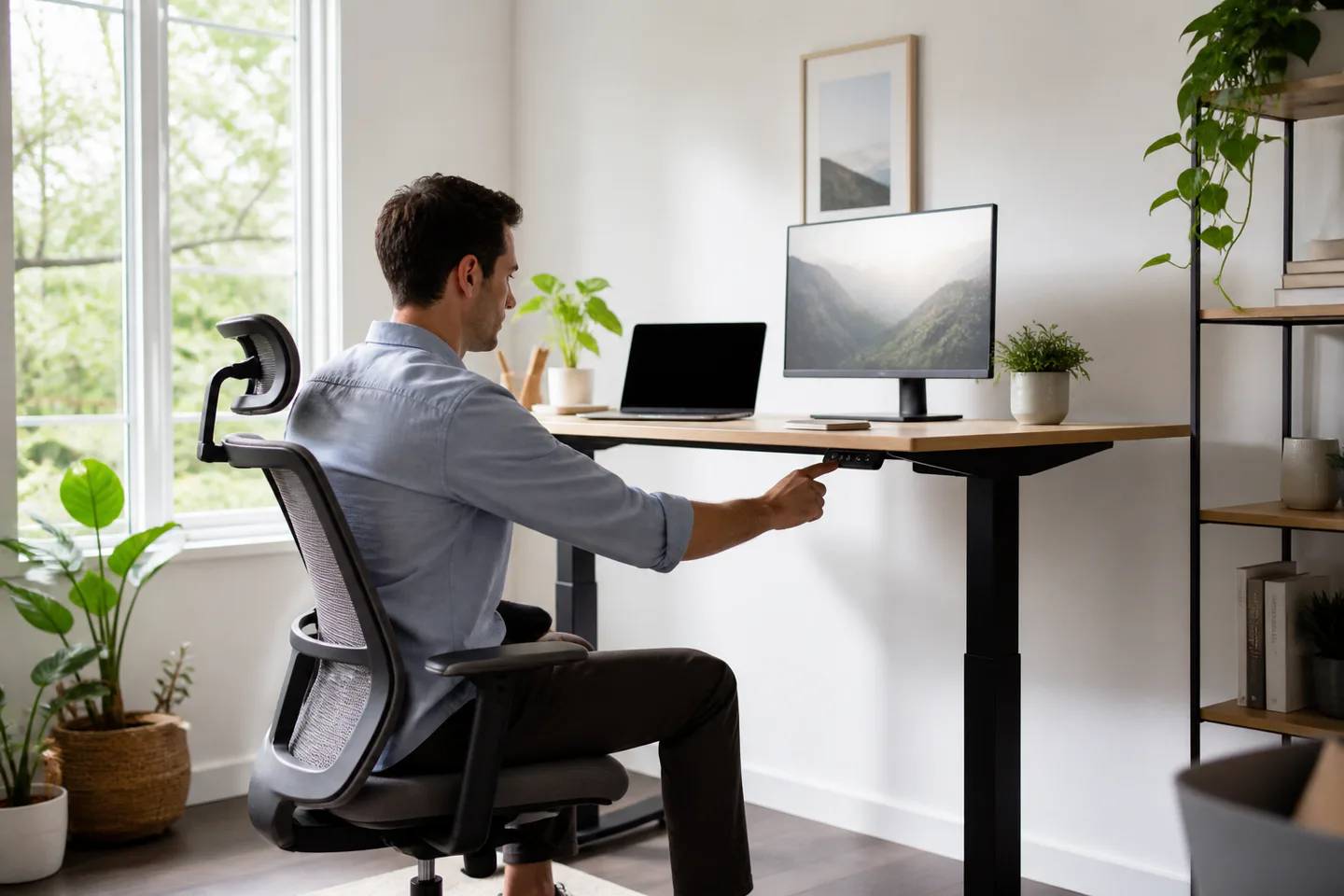
Choose around the routine, not the feature list.
- Best for
- Remote workers who want to alternate positions and can dedicate a stable footprint to a desk.
- Skip if
- Your room must convert frequently or you expect standing alone to solve discomfort without changing your setup.
Three useful starting points
These are product types, not claims that we personally tested a specific model.
40- to 48-inch electric desk
Enough room for a laptop and monitor without dominating a room.
Desk with memory presets
Makes quick height changes easy for two people.
Stable desktop converter
Adds sit-stand movement to an existing sturdy table.
Best Standing Desks for Small Home Offices
The useful moment for a standing desk is not an all-day marathon. It is the two-minute transition before an afternoon call, when changing posture helps you reset without leaving your work. A compact desk has to make that transition without wobbling, pinching cables or pushing furniture into the walkway.
Start with your seated and standing elbow height, then work outward to desktop size. The motor count matters less than stability, a practical height range and controls you will actually use.
What to consider before you buy
Height range comes before color
Your elbows should sit near a comfortable right angle and your screen should not force your neck down. Check both seated and standing ranges against your body.
Depth controls viewing comfort
A shallow desktop saves space but may put a large monitor too close. A monitor arm can recover surface area if the rear edge supports a clamp.
Stability matters at standing height
Every adjustable frame moves a little, but typing should not make a screen visibly sway. Crossbars and frame geometry affect real-world confidence.
Plan cable movement
Cables need enough slack for the top position without hanging onto the floor at the bottom. A mounted power strip and simple tray keep the transition tidy.
Match the choice to real life
The same product category can reward very different priorities. Use the situation closest to your week as the first filter, then compare details.
- For a bedroom office, choose rounded corners and a depth that leaves a comfortable walkway.
- For two users, memory buttons remove daily measuring and reduce accidental collisions.
- For renters, check whether the frame can be moved through doors without full disassembly.
Write down the two problems you need the purchase to solve and one compromise you will accept. That short list is more useful than comparing every possible feature.
What not to overpay for
A higher price can buy better materials, support or convenience, but only when those benefits fit your routine. Avoid paying for features that add setup, storage or maintenance without removing a real frustration.
- Buying a desk before measuring your keyboard and monitor footprint.
- Standing for hours without supportive footwear or movement.
- Forgetting that drawers and cable trays reduce knee clearance.
Frequently asked questions
Is standing all day healthier?
A standing desk is best used to vary posture. Comfort also depends on movement, monitor height, footwear and your individual needs.
How wide should a small desk be?
Around 40 to 48 inches works for many single-monitor setups, but map your actual equipment with tape first.
Do I need dual motors?
Not automatically. Compare stability, load capacity, noise and warranty across the full desk rather than motor count alone.
A note about our links
Retailer buttons lead to current search results so you can compare available options. No affiliate tracking ID was supplied for this site at launch. If a link later becomes an affiliate link, a commission may be earned at no additional cost to you; our editorial criteria remain the same.